
Legal
As a public institution, RIC must meet ADA Title II requirements and WCAG 2.1 A & AA standards. Accessible digital content is part of our legal responsibility to provide equal access.

Digital accessibility ensures that everyone, including people with disabilities, can access, understand, and interact with the college’s digital content, services, and technologies. This page introduces what accessibility means, why it matters legally, ethically, and practically, and who benefits across our community. You’ll also learn the core principles of accessibility (POUR) and find simple, high‑impact practices you can start using right away. Already feel comfortable with the concept and implications of digital accessibility? Get started on some quick wins.
Digital accessibility is about making sure people can use the materials we create, whether they’re reading a syllabus, navigating a website, watching a video, or completing a form. If someone can’t access the information, they can’t participate.
➡️ Watch a Real Example: How Keyboard Compatibility Affects People with Disabilities

"Accessibility isn’t about perfection or technical expertise. It’s about designing content so it works for real people in real situations — including those using assistive technologies like screen readers, captions, magnifiers, or voice input."
As a public institution, RIC must meet ADA Title II requirements and WCAG 2.1 A & AA standards. Accessible digital content is part of our legal responsibility to provide equal access.
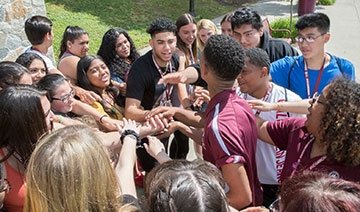
Accessibility is part of our commitment to equity and inclusion – ensuring everyone can learn, work, and engage without barriers. Accessibility is about including people in our environment.

Accessible content is clearer, easier to navigate, and more consistent. Students and colleagues appreciate it even if they never think of it as “accessibility.”
➡️ Watch a Real Example: How Video Captions Support Many Different Users
"Accessibility is universal design. When we design for inclusion, everyone wins. Ultimately, accessibility is good design. It’s empathetic, flexible, and human-centered. By designing for inclusion, we don’t lower the bar—we raise the quality of the experience for everyone."
These four principles guide all accessibility work. They’re simple, memorable, and practical.
➡️ Watch a Real Example: How Clear Layout and Design Improve Experience for All
"If you're ever unsure whether something is accessible, ask yourself: 'Can everyone perceive it? Operate it? Understand it? Use it with their tools?'"
If you’re just getting started, these videos outline a few simple steps that make a big difference:
Pick one of these items and try it on your next document, email, or webpage. Small improvements add up quickly, and they help real people immediately.
➡️ Watch a Real Example: How Customization Can Improve Accessibility

RIC is building the tools, services, and support you need to make your documents, web pages, videos, and social media posts accessible without feeling overwhelmed. Get started today!
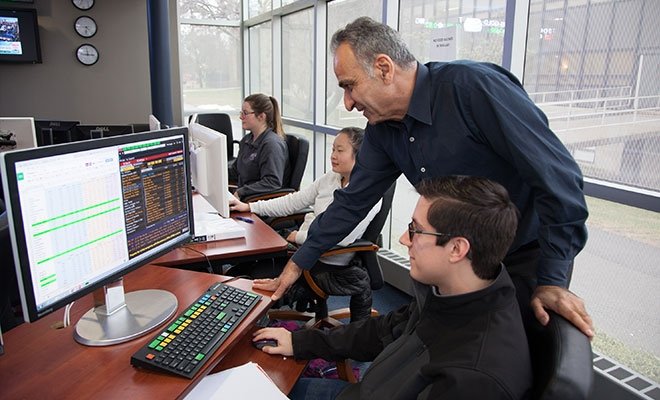
View instructions and tools for faculty on creating accessible course materials. Understand accessibility across course components: within the LMS, course design, instructional materials, and the digital tools used across campus. You can also Request a Blackboard Consultation.